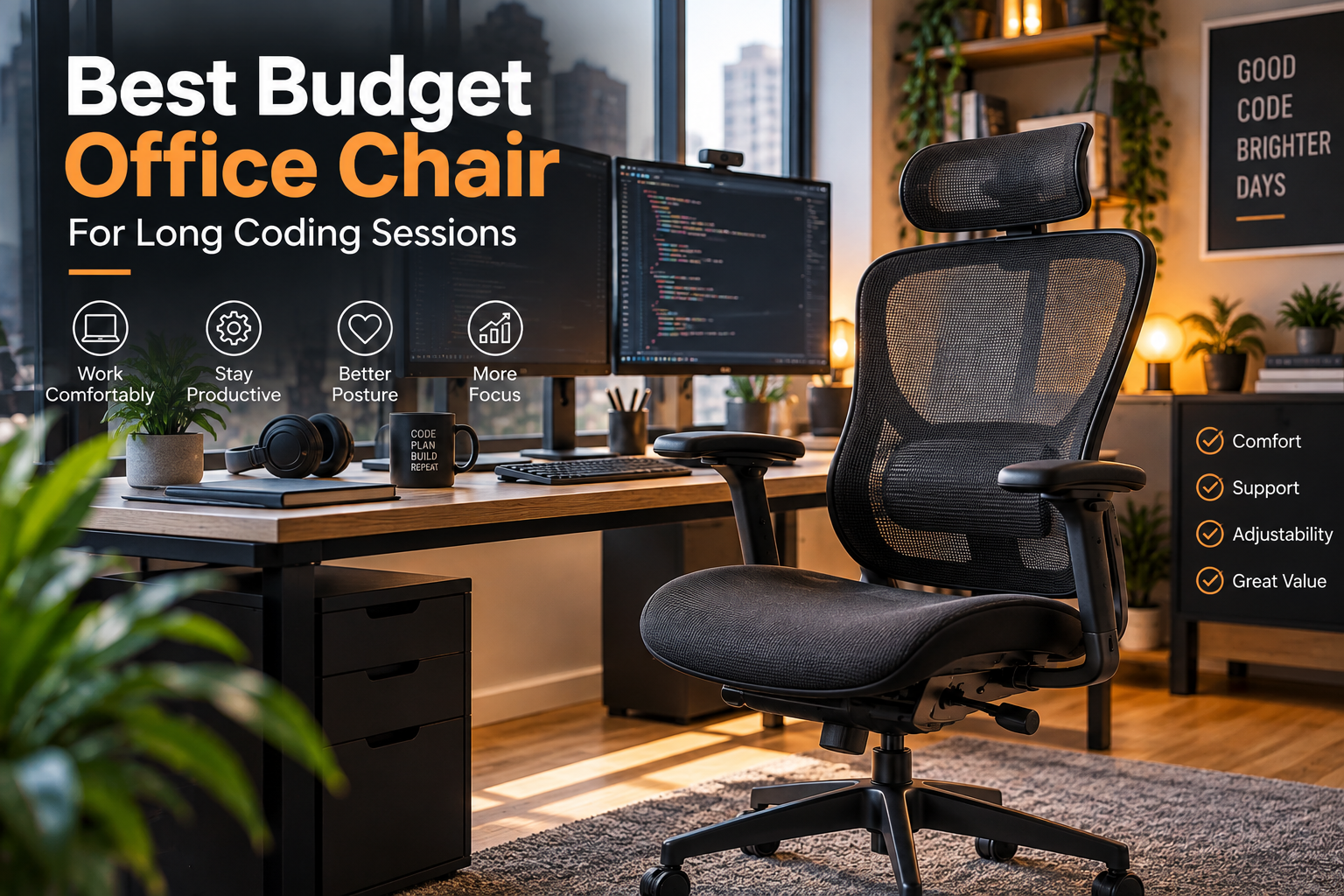
Whether you’re debugging applications, writing complex algorithms, or managing multiple development projects, long coding sessions can leave you spending much of the day seated. An uncomfortable chair can contribute to fatigue, stiffness, and difficulty concentrating.
Fortunately, finding the best budget office chair for long coding sessions doesn’t require spending $1,000 on premium office furniture.
Modern affordable chairs offer breathable mesh backrests, adjustable seat heights, reclining mechanisms, and basic lumbar support. These features can make everyday work more comfortable when the chair fits your body and desk setup.
This guide compares four chairs priced around $100–$300, focusing on practical ergonomic features, manufacturer specifications, warranty coverage, and overall value for developers.
Quick Comparison
| Office Chair | Approx. US Price | Best For | Warranty |
|---|---|---|---|
| IKEA MARKUS | $300 | Best Overall | 10 years |
| IKEA FLINTAN | $100 | Best Value | 10 years |
| Branch Daily Chair | $259 | Home Offices | 5 years |
| IKEA FLINTAN with Armrests | $120 | Entry-Level Coding | 10 years |
Prices are approximate US manufacturer listings as checked for this guide; local availability and promotions may differ.
Best Overall: IKEA MARKUS
Best for: Developers who want a straightforward, high-back office chair with breathable support and a long warranty.
Why we picked it: The MARKUS combines a mesh backrest, integrated lumbar support, adjustable tilt tension, and a 10-year limited warranty at a price around $300.
Pros
- Breathable mesh backrest.
- Integrated lumbar support.
- Adjustable seat height and tilt resistance.
- High back with head support.
- Ten-year limited warranty.
Cons
- Armrests offer limited customization.
- Lumbar support is not extensively adjustable.
- The seat may not fit every body type.
- At the upper end of the budget category.
Important specs: Mesh backrest, cushioned seat, manual tilt tension, fixed-position armrests, 276-pound tested capacity, and a 10-year limited warranty.
For programmers seeking a dependable chair with relatively simple adjustments, the MARKUS is a strong option. Its principal limitation is fit: users who require adjustable seat depth or highly configurable armrests should consider alternatives.
Best Value: IKEA FLINTAN
Best for: Students, junior developers, and remote workers upgrading from basic seating.
Why we picked it: At approximately $100, the FLINTAN offers a breathable high backrest, cushioned seat, washable cover, and a 10-year limited warranty.
Pros
- Affordable entry-level pricing.
- Breathable mesh back.
- Removable, washable seat cover.
- Ten-year limited warranty.
- Suitable for compact workspaces.
Cons
- Basic adjustment features.
- Armrests cost extra.
- Less personalized lumbar adjustment.
- Not ideal for everyone during extended work sessions.
Important specs: Mesh backrest, foam-padded seat, height adjustment, removable seat cover, and 276-pound tested capacity.
The IKEA FLINTAN is our value recommendation for developers with limited budgets. It covers the essentials without unnecessary styling or premium pricing.
However, buyers planning particularly long coding sessions should try the chair before purchase and assess whether its seat dimensions and back support are appropriate.
Best Alternative: Branch Daily Chair
Best for: Developers working from home who want a compact, stylish chair with basic adjustability.
Why we picked it: The Branch Daily Chair offers a contoured backrest, adjustable seat and armrest heights, tilt tension, and multiple upholstery options for approximately $259.
Pros
- Compact, modern appearance.
- Mesh and vegan-leather options.
- Adjustable armrest and seat height.
- Medium-firm cushioned seat.
- Five-year parts and components warranty.
Cons
- Limited lumbar customization.
- Lower weight capacity than the IKEA options.
- Recommended user-height range is narrower.
- Less suitable for users needing advanced seat adjustments.
Important specs: Seat height 17–21 inches, seat depth 19 inches, maximum capacity 225 pounds, 20-degree tilt range, and removable armrests.
Branch describes the Daily Chair as suitable for approximately six to eight hours of work for users between 5 feet and 6 feet tall.
For developers with minimalist home offices, it provides a practical combination of ergonomics and design.
Best Entry-Level Alternative: IKEA FLINTAN with Armrests
Best for: Budget-conscious programmers who prefer dedicated forearm support while typing.
Why we picked it: This variant retains the FLINTAN’s core features while adding armrests for approximately $20 more than the basic model.
Pros
- Affordable armrest-equipped configuration.
- Breathable mesh construction.
- Washable seat cover.
- Ten-year limited warranty.
Cons
- Armrests are not highly adjustable.
- Limited advanced ergonomic controls.
- Basic lumbar support.
Important specs: Mesh backrest, cushioned seat, armrests, adjustable seating height, 276-pound tested capacity, and ten-year limited warranty.
This model is worth considering when forearm support matters and a higher-priced chair is outside your budget.
Detailed Comparison: Which Budget Chair Is Better?
The IKEA MARKUS provides a higher backrest and longer-established office-chair design. Its integrated lumbar contour and reclining mechanism make it a compelling choice for a dedicated workstation.
The FLINTAN prioritizes affordability. At approximately $100, it leaves room in the budget for a monitor stand, keyboard, footrest, or other workstation improvements.
The Branch Daily Chair provides a softer visual style and basic armrest adjustments, making it attractive for home offices where appearance and functionality both matter.
The FLINTAN with Armrests offers similar value to the standard version while adding forearm support.
For long-term value, warranty conditions and parts availability matter just as much as the initial purchase price.
What Should Developers Look For in a Budget Office Chair?
1. Lumbar Support
Choose a chair that supports the natural curve of your lower back. Built-in lumbar contours can be useful, although adjustable support provides more flexibility.
2. Seat Height and Depth
Your feet should reach the floor comfortably while your knees remain relaxed. Excessively deep seats can create pressure behind the knees.
3. Armrest Position
Armrests should support your forearms without forcing your shoulders upward. Poorly positioned armrests can interfere with keyboard and mouse use.
4. Breathability
Mesh backrests may improve airflow during warm weather and long programming sessions. Upholstered seats can offer a different cushioning experience.
5. Recline and Movement
A chair with appropriate tilt resistance allows users to adjust posture throughout the day. Avoid remaining in one position for hours.
6. Warranty and Return Policy
A longer warranty can improve confidence in a purchase, but examine what it covers. Check return shipping costs and assembly requirements before ordering.
How We Selected and Evaluated These Products
These recommendations were developed through a desk-based comparison of official manufacturer listings.
We prioritized products with publicly documented prices, ergonomic features, seat specifications, and warranty information.
Our evaluation considered affordability, adjustment options, backrest materials, seating dimensions, weight capacity, and suitability for home-office coding.
Testing limitation: No original hands-on sitting tests, pressure measurements, or long-term durability trials were conducted for this article. Comfort and suitability assessments are editorial conclusions based on available specifications.
Frequently Asked Questions
What is the best budget office chair for programmers?
The IKEA MARKUS is our overall recommendation around $300, while the IKEA FLINTAN offers particularly strong value around $100.
Is a $100 office chair good enough for coding?
It can be, provided the chair fits your body and workstation. Higher prices do not automatically guarantee better comfort.
Are mesh chairs better for long coding sessions?
Mesh can improve ventilation, especially in warm environments. However, seat cushioning, support, and fit remain important.
Should developers buy gaming chairs or office chairs?
Compare ergonomic features rather than labels. A well-fitting adjustable office chair may be more appropriate than a gaming chair focused primarily on appearance.
Can a budget chair prevent back pain?
A supportive chair may reduce sitting discomfort, but it cannot guarantee prevention of back pain. Regular movement and appropriate workstation ergonomics remain essential.
Final Recommendation
For developers with approximately $300 available, the IKEA MARKUS is our best overall budget recommendation due to its supportive high-back design and ten-year limited warranty.
For programmers spending closer to $100, the IKEA FLINTAN offers excellent basic functionality. Choose the armrest version if its armrest placement works with your desk.
The Branch Daily Chair is a worthwhile alternative for remote developers seeking modern styling and useful everyday adjustments.
Ultimately, the best budget chair is one that fits your body, supports your coding setup, and allows comfortable changes in posture throughout the workday.